AI & DevOps
MCP Security & Agent Ops
MCP Security & AI Agent Ops Starter Kit
Follow an MCP integration from tool inventory to an incident drill. Eight English video lessons with local exercises, permission reviews and the original operations toolkit.
Watch the free first lessonCZK 3,626
Secure checkout. Download links delivered by email.
- Format
- Video course + toolkit
- Language
- English
- License
- Individual
- 8 Full HD lessons · 2h 00m
- English subtitles, transcripts & chapters
- Practical exercises + original toolkit
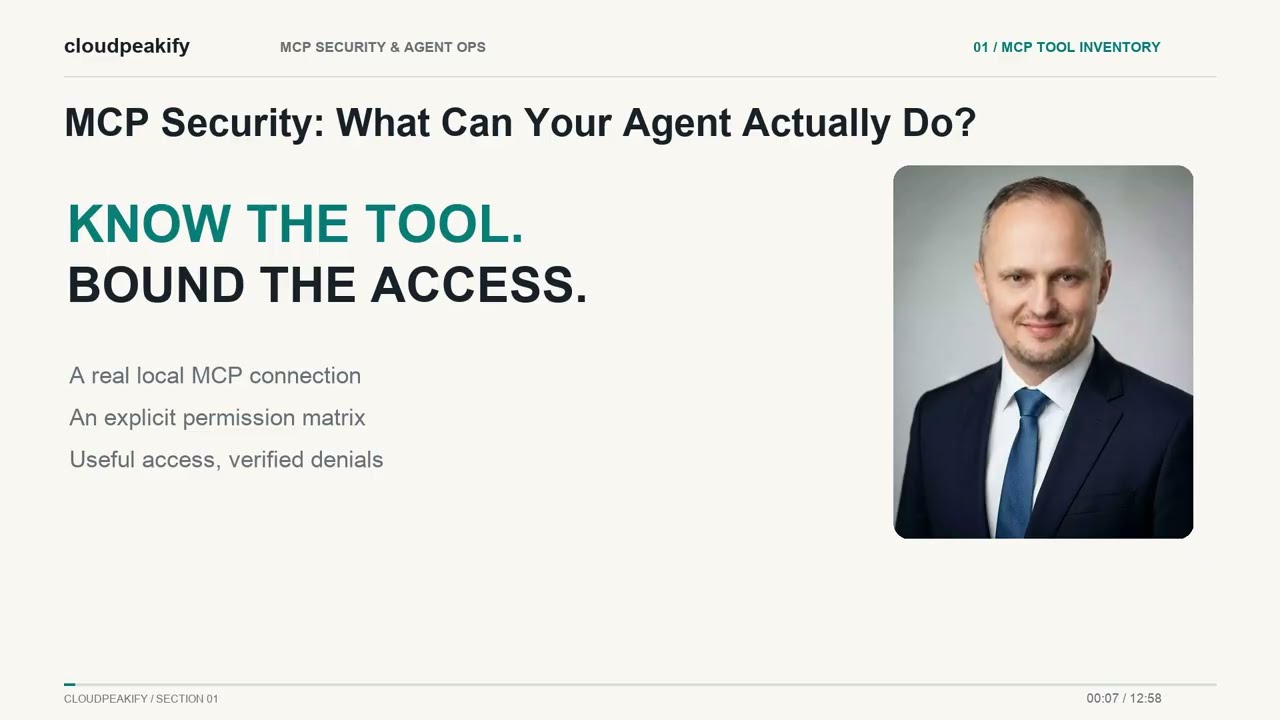
MCP SECURITY / FREE FIRST LESSON
What can your AI agent actually do?
Inspect a real local MCP client/server exercise, discover its tools and define a narrowly scoped permission policy. Verify allowed and denied operations, then document the results.
Watch the complete first lesson for free before working through the course.
INCLUDED VIDEO COURSE
From tool inventory to an incident drill.
2h 00m8 lessons · English
Watch in your own time. Eight Full HD MP4 videos in the download, with a local HTML course library. Extract the ZIP and open video-course/index.html.
Work through the examples. Eight local exercises follow a synthetic support-desk integration. Inspect the starter, make a change and compare the recorded result.
MCP Security: What Can Your Agent Actually Do?14:57 minutes and seconds
Discover a local MCP server's tools and build a permission matrix for a narrowly scoped task.
Identity and Tenant Boundaries15:02 minutes and seconds
Test synthetic actor and tenant boundaries and record which authentication assumptions remain unverified.
Prompt Injection: Data Is Not Authority15:12 minutes and seconds
Separate untrusted content from permitted actions in a deterministic replay and document the limits of the test.
Approve the Exact Action15:12 minutes and seconds
Bind a local approval decision to one specific action and document replay and rollback limits.
Tokens, Secrets and Revocation14:48 minutes and seconds
Inspect synthetic token validation and revocation checks while keeping raw credentials out of review evidence.
Audit Decisions Without Leaking Data15:07 minutes and seconds
Design a traceable decision record and distinguish application audit evidence from general system logs.
Rollout Gates and the Kill Switch15:03 minutes and seconds
Map synthetic promotion and stop decisions to the kit's rollout checklist and complete a reviewed risk register.
Incident Drill and Final Security Review14:57 minutes and seconds
Run a synthetic incident review and assemble the inventory, risks, change plan and follow-up actions.
In the download
Approximately 276 MB. Includes MP4 videos, SRT subtitles, transcripts, chapter markers, exercises and the original toolkit.
Use the SRT files with a compatible media player. The included HTML player does not have an integrated subtitle switch.
Before you start
- Python 3.10+ and basic command-line and JSON experience.
- An isolated Python environment. Each lab lists its pinned dependencies and setup steps.
- Windows PowerShell 5.1 for the original Windows helper scripts.
The exercises use local examples. They do not deploy your production infrastructure.
The video edition includes eight English Full HD lessons (2h 00m), downloadable subtitles, transcripts and exercises, together with the original toolkit.
Before an AI agent gets tool access, review the permissions like production access.
This kit helps teams plan MCP and AI agent workflows with tool permission checks, prompt injection review, rollout planning, risk registers, and incident response boundaries.
Use it when experiments are moving toward real internal tools, customer data, admin actions, or automation workflows.
Preview checklist
Review before rollout:
- what the agent can read
- what it can write
- what secrets it can touch
- which tools need approval
- where logs go
- what happens after prompt injection
- who owns incident response
What is included
- MCP security review prompts
- AI agent ops prompts
- prompt injection threat model
- tool permission matrix
- risk register templates
- incident response workflow
- rollout workflow
- helper scripts
- Cursor rules
- documentation
- license
- manifest
- SHA256 checksums
Built for
- AI platform teams
- security engineers
- automation engineers
- MSP technical teams
- internal IT teams using MCP or agent workflows
Use this when
- an internal AI tool is getting real permissions
- an MCP server exposes tools, files, data, or actions
- teams need a permission matrix before rollout
- security and ops need a human-reviewed incident path
Delivery and usage
- Digital download delivered as a ZIP file.
- Individual license for internal operational use.
- No resale, redistribution, repackaging, or public sharing.
- Review all scripts, prompts, templates, and outputs before use.
Important: This kit is advisory and designed for human-reviewed security and operations workflows. It is not a managed security service, formal compliance certification, penetration test, or guarantee that an AI agent deployment is secure.
Practical implementation guide: MCP Tool Permission Review: A Practical Checklist →
Planning a team or company rollout? Talk to Cloudpeakify about enterprise delivery →